Documentation Index

Fetch the complete documentation index at: https://docs.interhuman.ai/llms.txt

Use this file to discover all available pages before exploring further.

Use https://platform.interhuman.ai to create and manage your API keys.

New to Interhuman? Start here

  1. Go to https://platform.interhuman.ai.
  2. Sign up for a free account.
  3. Follow the onboarding steps and you will quickly get an API key.

Already have an account? Create a key

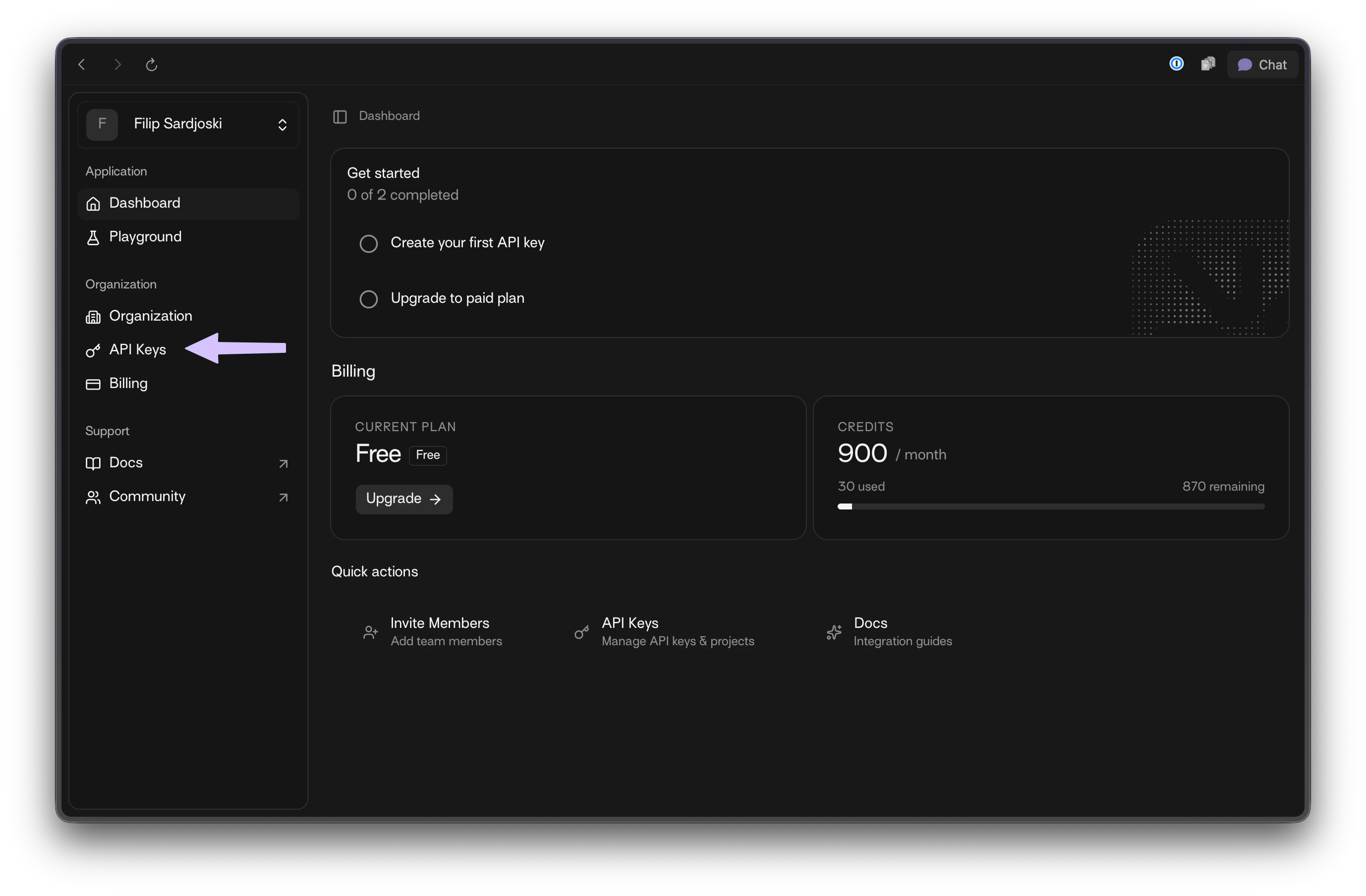
  1. From the dashboard sidebar, open API Keys.
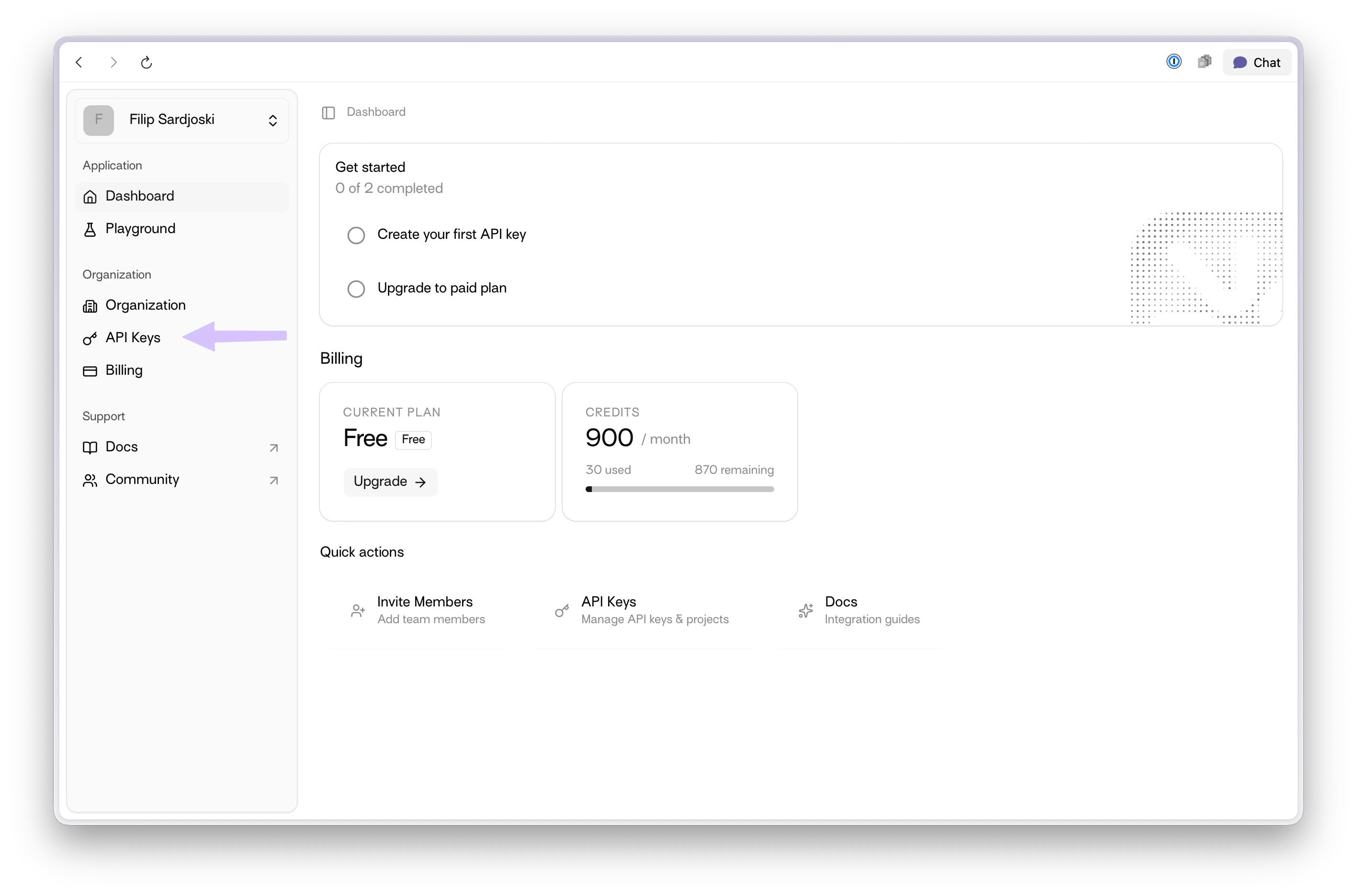
Dashboard with API Keys menu item highlighted
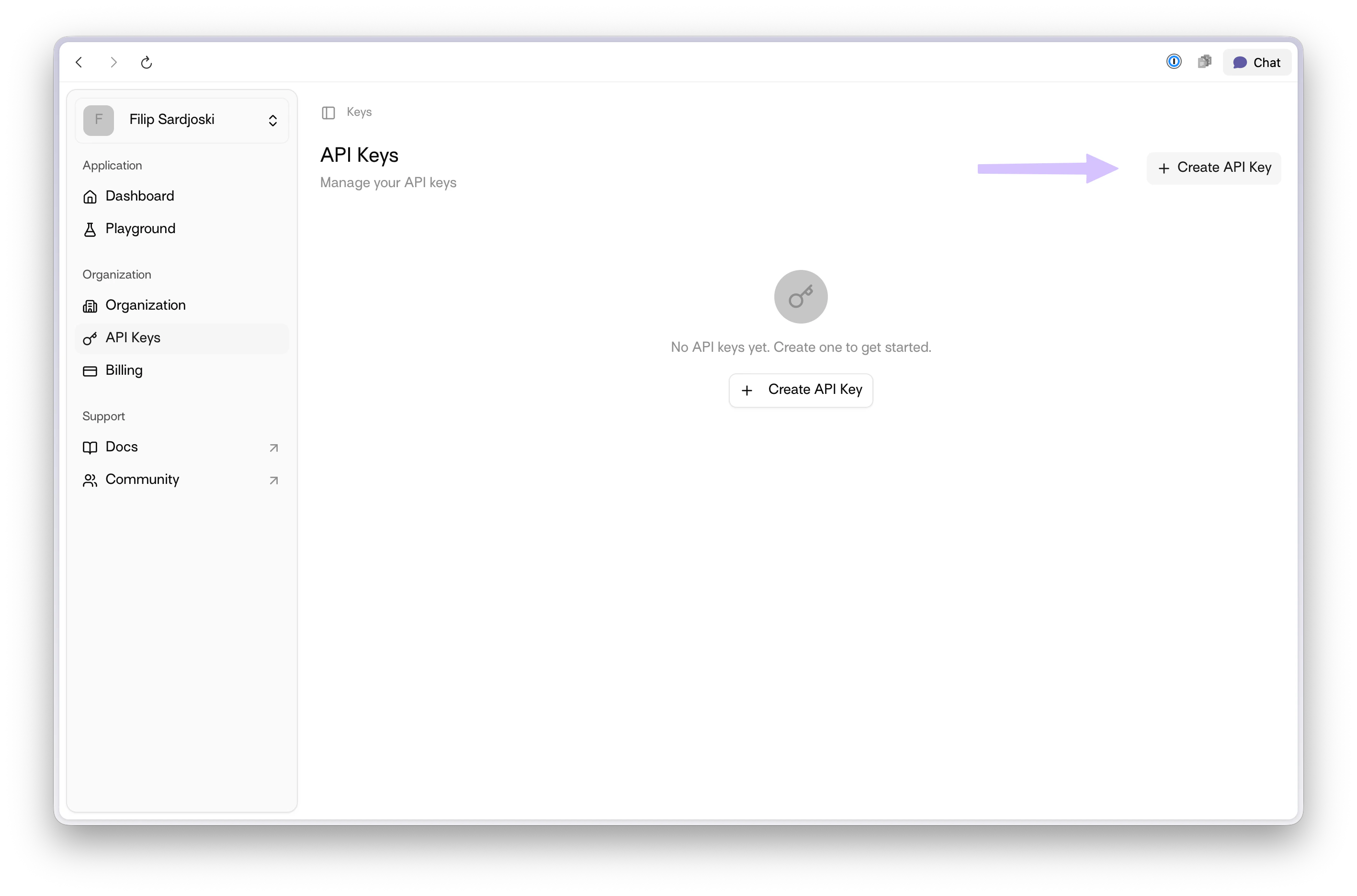
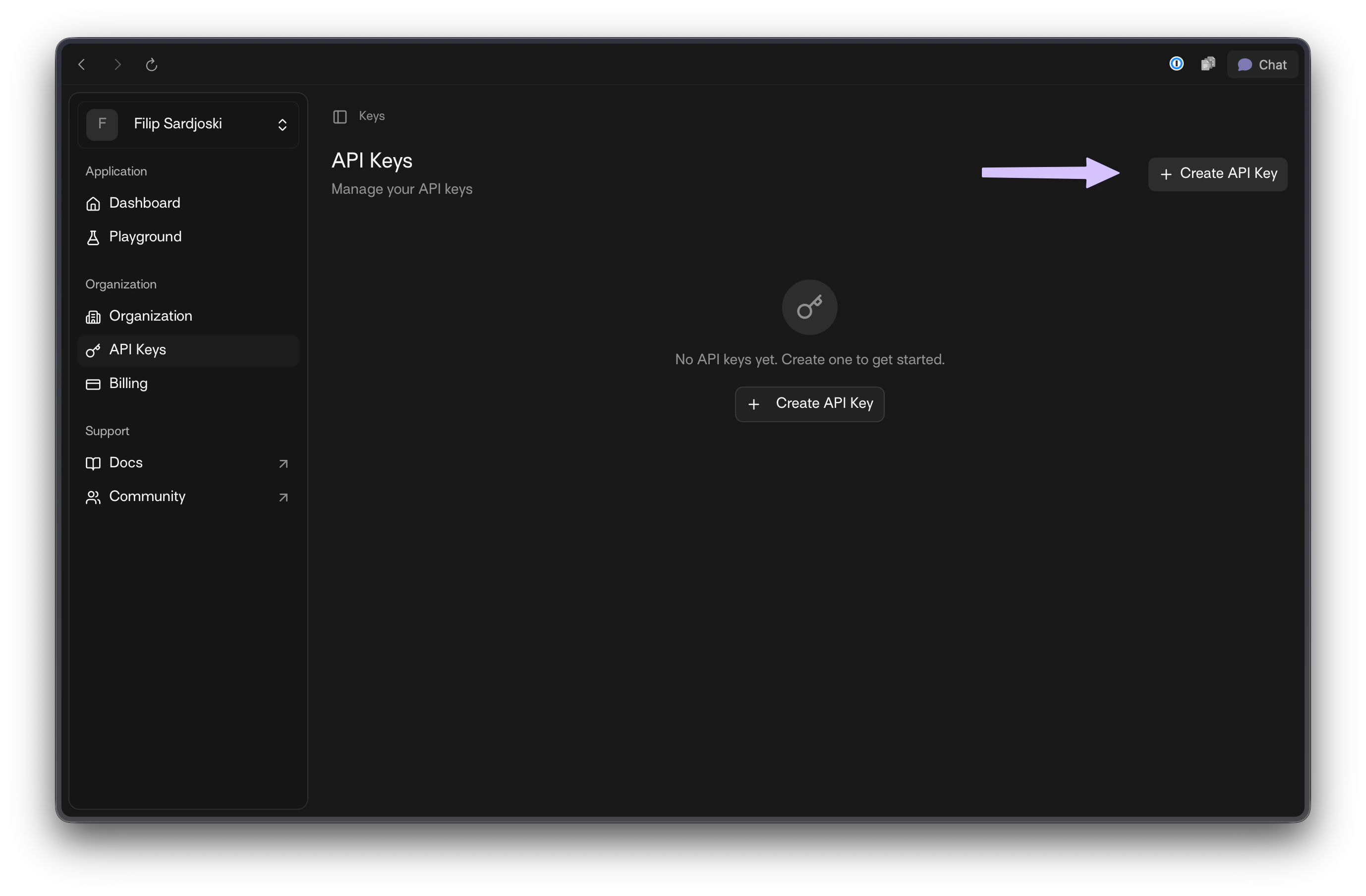
  1. Click + Create API Key.
API Keys page with + Create API Key highlighted
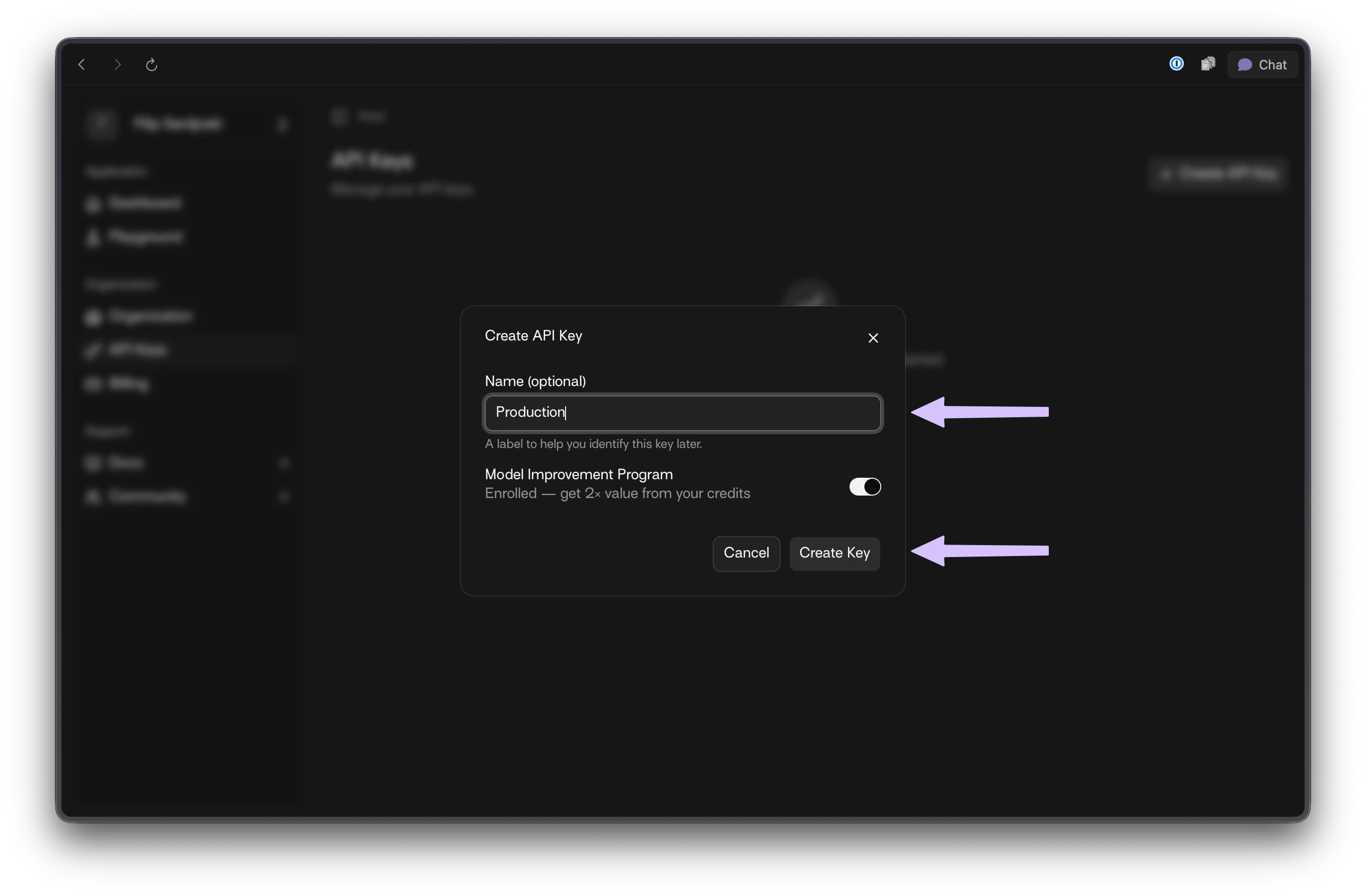
  1. Enter a name for your key and choose whether Model Improvement Program is enabled.
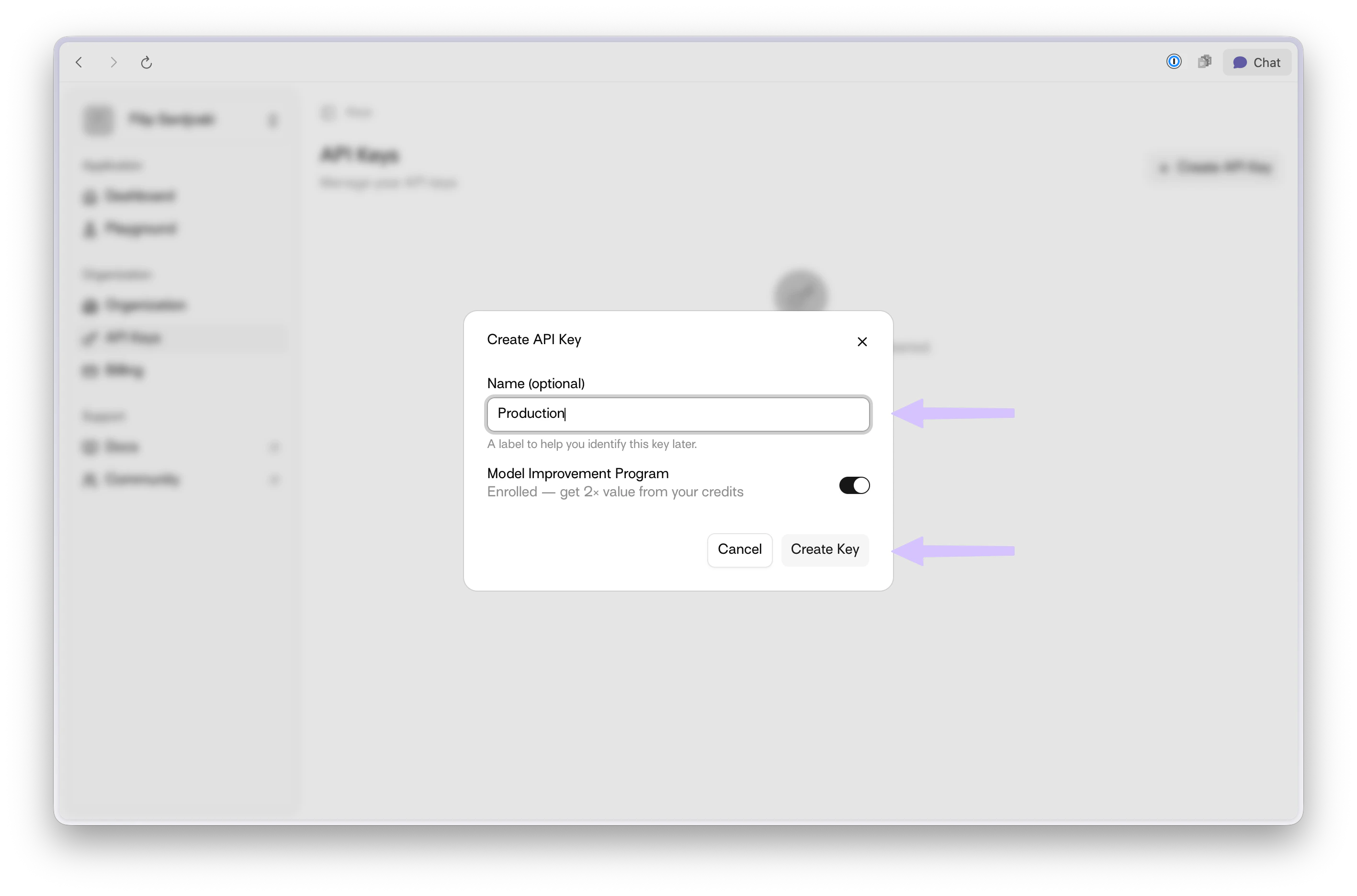
Create API Key modal with name field and MIP toggle highlighted
  1. Copy and securely store your generated credentials.
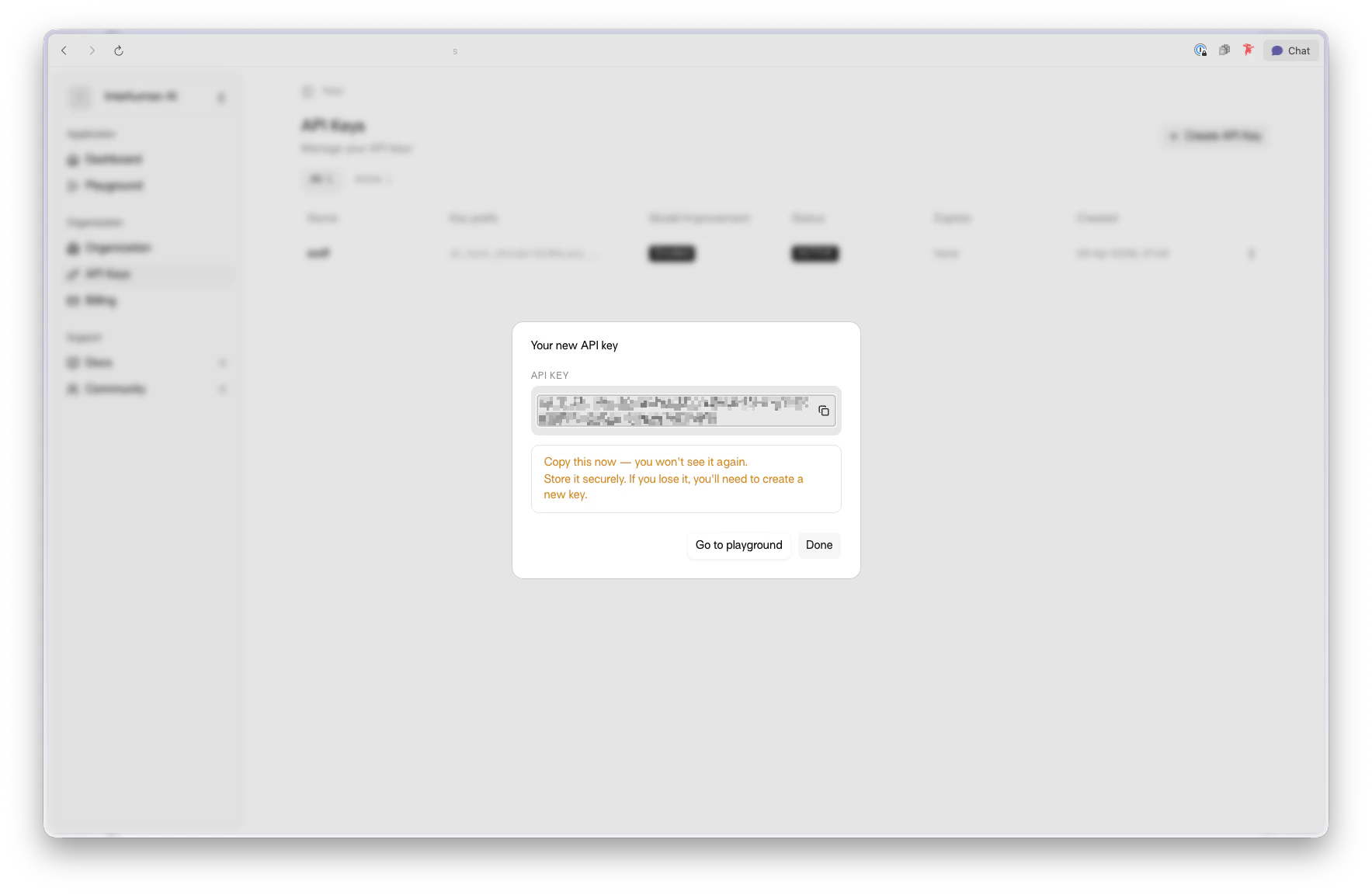
Generated API key and key ID shown after creation
Your API key is shown only once when the key is created. Store it in a secure secret manager immediately.

Next: use your API key directly

You can now use your API key directly when calling the API.
export API_KEY="YOUR_API_KEY"
export VIDEO_PATH="path_to_your_video.mp4"

curl -X POST https://api.interhuman.ai/v1/upload/analyze \
  -H "Authorization: Bearer ${API_KEY}" \
  -F "file=@${VIDEO_PATH};type=video/mp4"
Next step: Upload & Analyze API